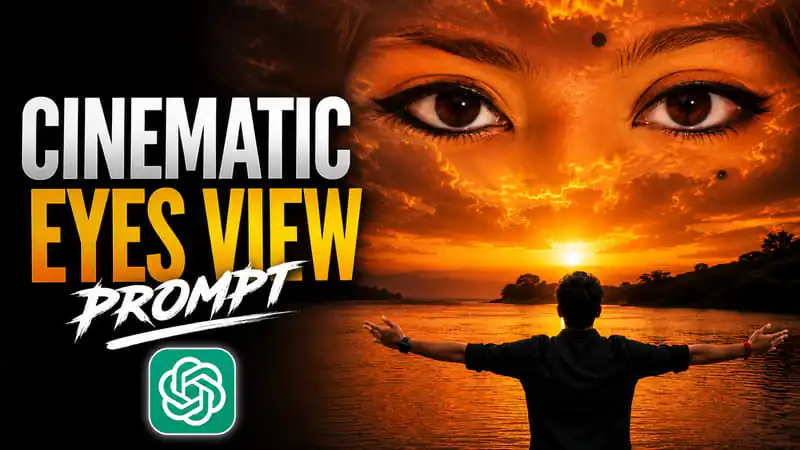
Cinematic eyes view photo trend abhi AI photo editing community mein bohot zyada viral ho raha hai. Is trend mein clouds ya sky ke andar ek giant, emotional female eyes naturally blend ho jaati hain — jisse photo ek movie scene jaisi dikhti hai. Ye effect khaaska travel aur scenic photography ke saath best lagta hai, jahan dramatic sky, mountains, waterfalls ya beach background already cinematic feel deta hai.
Agar aap apni trip ki photos ko ek unique, dreamy aur viral-ready look dena chahte hain, to cinematic sky eyes trend exactly wahi style hai jo aaj Instagram aur Reels par sabse zyada engagement le raha hai. Ye trend especially hill stations, lakes, waterfalls aur sunset points par li gayi photos ke saath perfectly match karta hai.
Is article mein hum dekhenge ki ye trend kaise kaam karta hai, kaunse AI tools best result dete hain, aur apni travel photos par ye effect kaise apply karein.
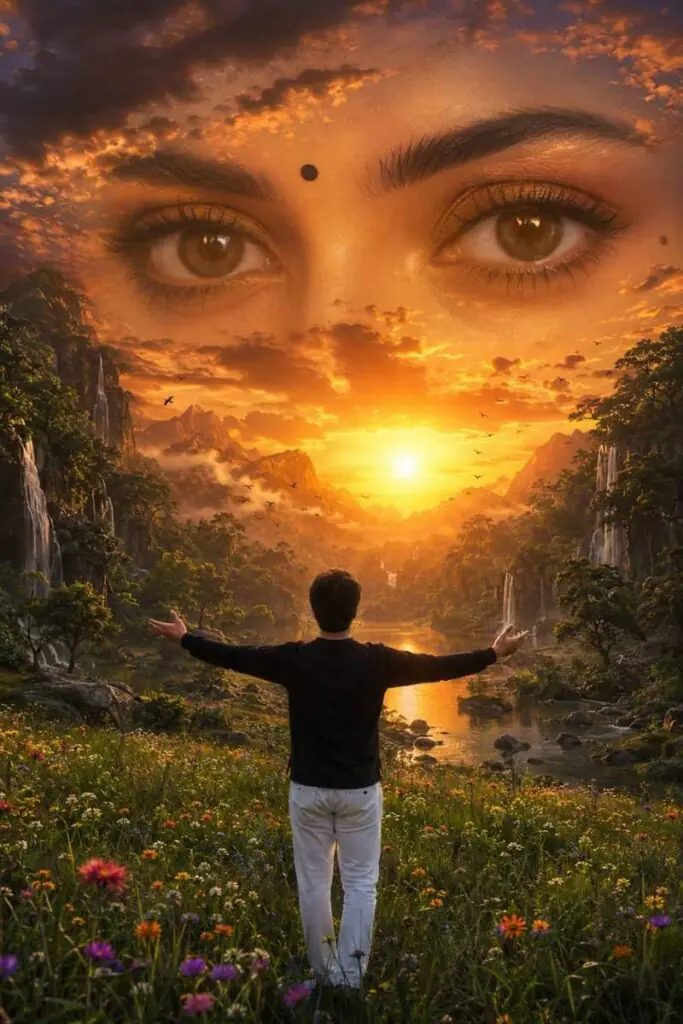
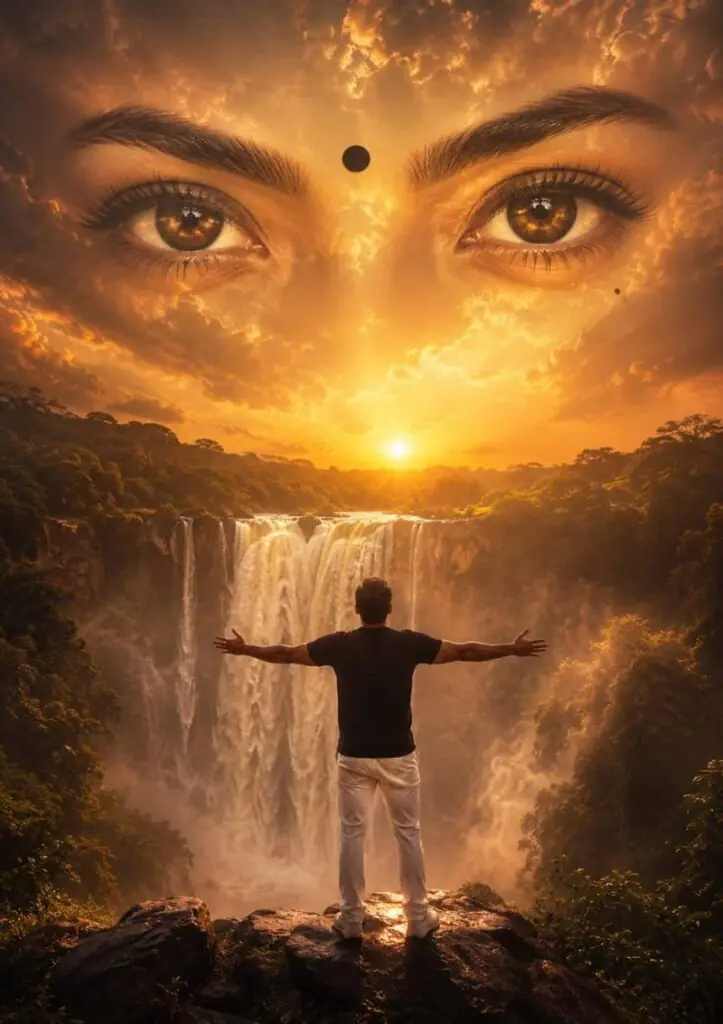
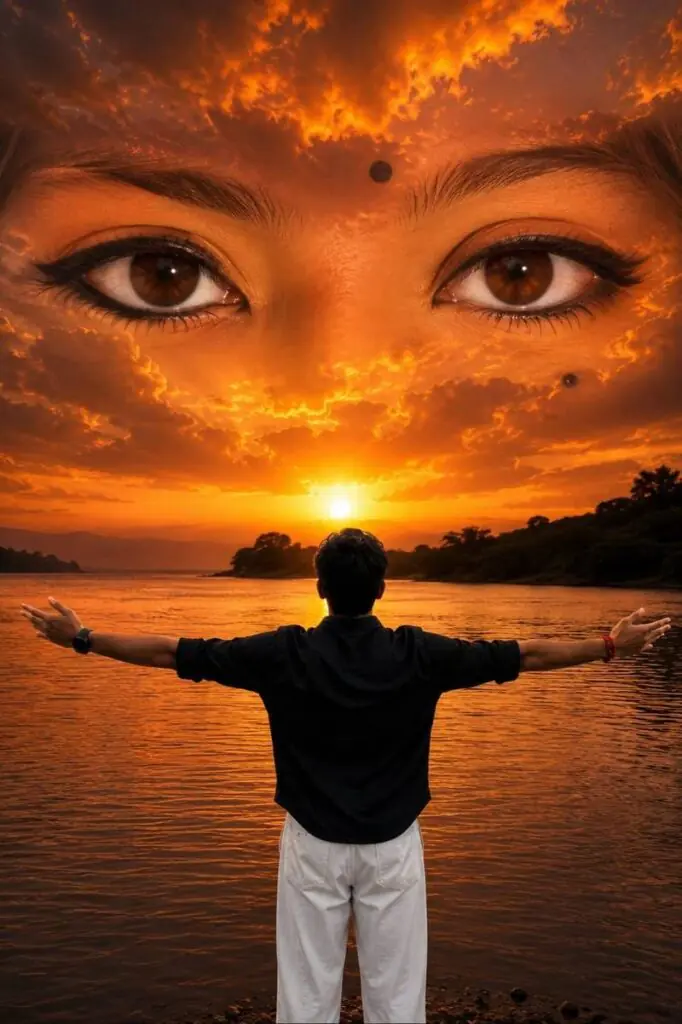
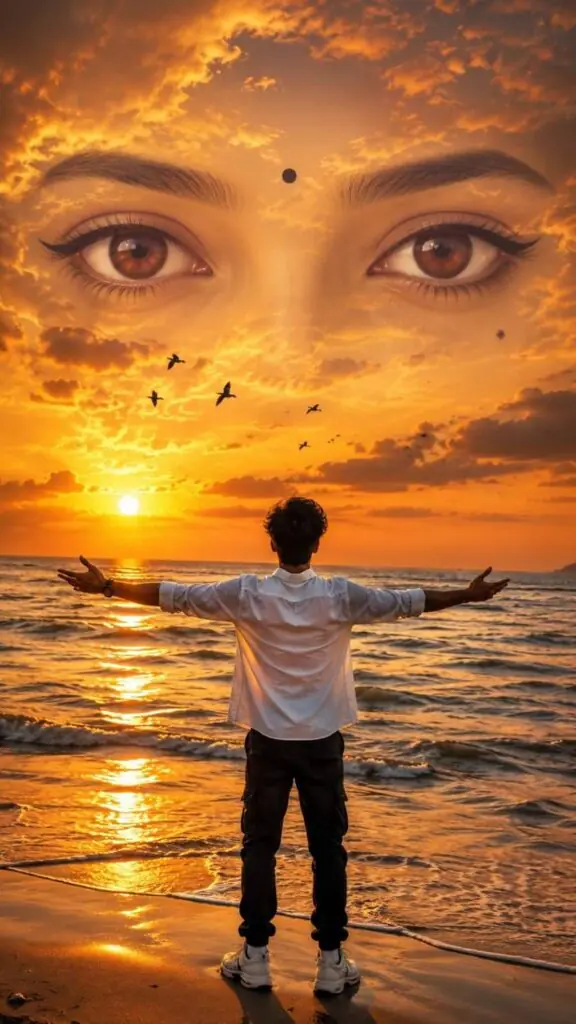
Cinematic Sky Eyes Effect Apni Photo Par Kaise Use Karein
- Apni travel photo select karein – Wo photo choose karein jisme aap back-facing pose mein ho ya open sky/horizon clearly visible ho (jaise beach, hill, ya lake ka view).
- AI tool open karein – ChatGPT, Gemini, ya koi bhi image generation tool open karein jo image upload support karta ho.
- Photo upload karein – Apni original travel photo upload karein taaki AI usi pose aur background ko base bana sake.
- Prompt paste karein – Upar diya gaya prompt copy-paste karein aur agar zaroorat ho to location ya outfit details adjust kar lein.
- Generate karein – AI ko process hone dein; usually 20-40 seconds mein result mil jaata hai.
- Result download karein – High resolution image download karein aur zaroorat ho to thoda manual editing (brightness/contrast) kar lein.
- Social media par share karein – Instagram Reels, Stories ya YouTube thumbnail ke liye 4:5 ya 9:16 ratio best perform karta hai.
Best AI Tools Comparison – Cinematic Sky Eyes Photo Editing
| AI Tool | Realism Quality | Free Usage | Best For |
|---|---|---|---|
| ChatGPT (GPT Image) | Bohot High | Limited Free | Detailed cinematic edits |
| Google Gemini | High | Free with limits | Quick natural blending |
| Leonardo AI | High | Free Credits | Fantasy/cinematic style |
| Midjourney | Bohot High | Paid | Professional artistic results |
Pro Tips Cinematic Result Ke Liye
- Sunset ya overcast sky wali photos best base banti hain kyunki clouds already dramatic hote hain.
- Back-facing pose use karein – face hidden hone se eyes effect zyada dominant aur emotional lagta hai.
- Wide landscape ya nature-heavy background choose karein (mountains, waterfalls, lakes) taaki travel vibe strong rahe.
- Vertical 4:5 ya 9:16 ratio use karein, ye format Reels aur Stories ke liye sabse zyada reach deta hai.
- Color grading consistent rakhein (golden hour tones travel photos ke saath best match karte hain).
FAQ
Q1. Cinematic sky eyes trend kya hai?
Ye ek AI photo editing trend hai jisme clouds ya sky ke andar giant, realistic eyes naturally blend ki jaati hain, jisse photo cinematic aur emotional dikhti hai.
Q2. Kya iske liye professional camera chahiye?
Nahi, koi bhi normal smartphone photo se shuru kiya ja sakta hai. AI tool baaki ka kaam khud handle karta hai.
Q3. Ye effect kaunsi travel photos par best lagta hai?
Hill stations, beaches, lakes aur waterfall locations par li gayi photos par ye effect sabse zyada cinematic lagta hai.
Q4. Kya ye free mein kar sakte hain?
Haan, ChatGPT aur Gemini jaise tools limited free usage offer karte hain jisse aap easily try kar sakte hain.
Q5. Best photo format kya rahega upload ke liye?
4:5 ya 9:16 vertical ratio sabse best rehta hai, especially Instagram Reels aur Stories ke liye.