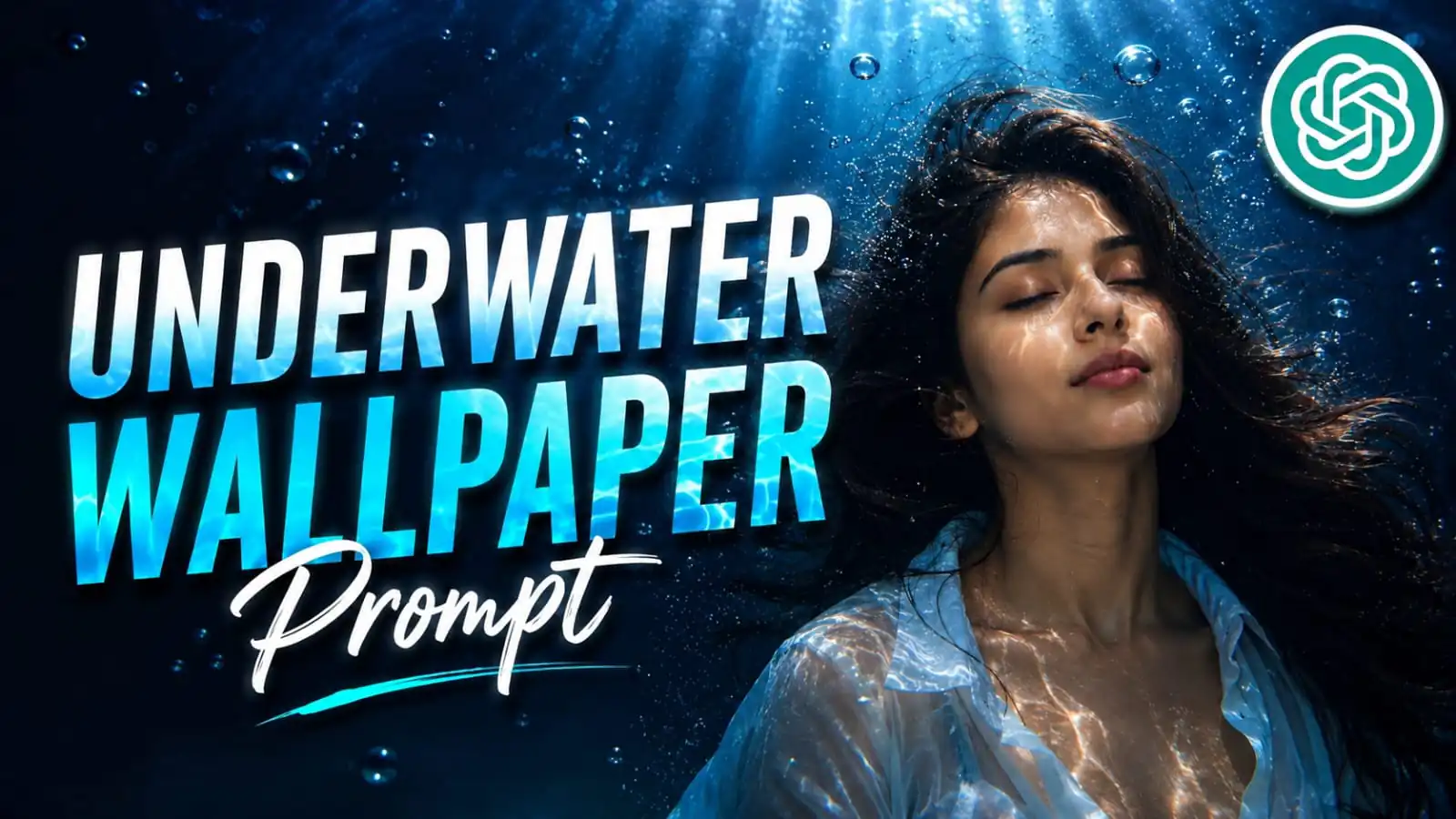
Underwater cinematic photo edits are becoming very popular on social media because they create a dreamy and emotional look. With the right AI editing prompt, you can turn a normal portrait into a stunning underwater masterpiece with realistic lighting, floating hair, bubbles, and deep blue cinematic tones.
These prompts help creators make high-quality wallpapers, Instagram posts, reels, and viral edits without professional photography equipment. A good cinematic underwater prompt can completely change the mood of an image and give it a movie-like feel.
In this article, you will get a powerful cinematic underwater photo editing prompt that creates realistic, detailed, and visually attractive AI-generated portraits in 9:16 wallpaper style.
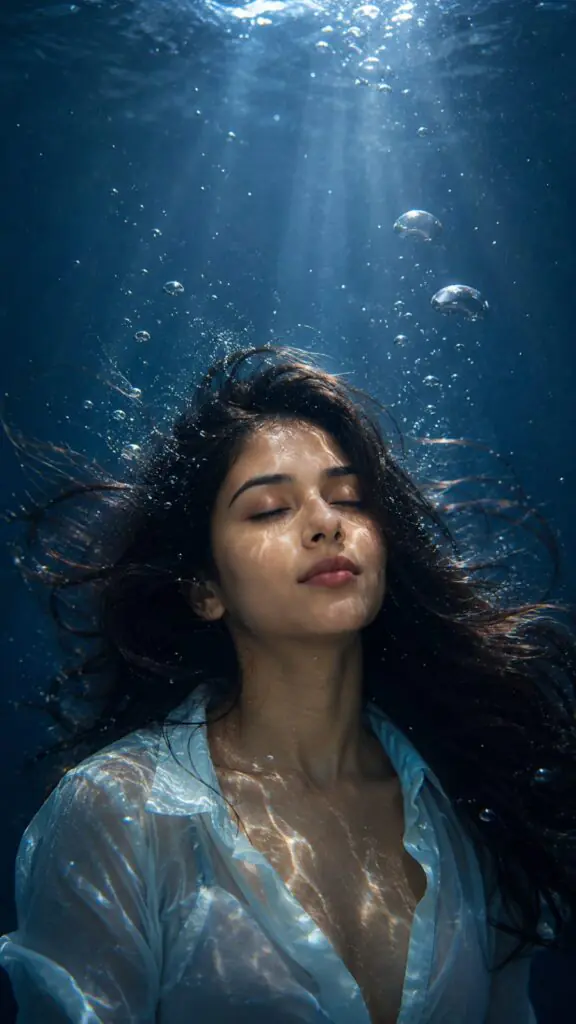
Create an ultra-cinematic underwater portrait of the person from the uploaded image while preserving the exact facial identity, facial structure, skin tone, hairstyle resemblance, and all recognizable features with maximum realism. The subject is peacefully floating underwater in a dreamlike suspended pose, positioned slightly lower in the frame to leave clean negative space at the top for a wallpaper clock UI. Eyes gently closed, head tilted slightly upward toward the faint light source above, expression calm and emotionally cinematic.
The hair is thick, soft, slightly wavy, and naturally floating in slow underwater motion with realistic strands drifting around the face. Add hundreds of tiny oxygen bubbles surrounding the head, shoulders, and hair, with a few larger bubbles rising upward for depth and realism. Replace the clothing with a semi-transparent white linen shirt, partially unbuttoned, oversized and flowing naturally underwater with elegant fabric movement.
Use dramatic underwater lighting with realistic blue-green aquatic tones, volumetric light rays piercing through the water surface from above, and detailed caustic water reflections dancing across the face, neck, collarbone, and shirt fabric. Add subtle floating particles and haze in the water for atmospheric depth. Background should be deep oceanic blue fading into darkness with cinematic gradients and soft diffusion.
Style should feel like a luxury editorial underwater photoshoot mixed with a cinematic movie still. Hyper-realistic skin texture, wet skin reflections, sharp facial details, high contrast, shallow depth of field, photorealism, realistic underwater physics, premium cinematic color grading, moody atmosphere, ultra detailed, DSLR quality, 85mm lens look, f/1.8, soft bloom highlights, realistic shadows, 8K ultra HD, masterpiece composition, vertical wallpaper framing, realistic photography, natural anatomy, highly immersive and emotional cinematic aesthetic.
--ar 9:16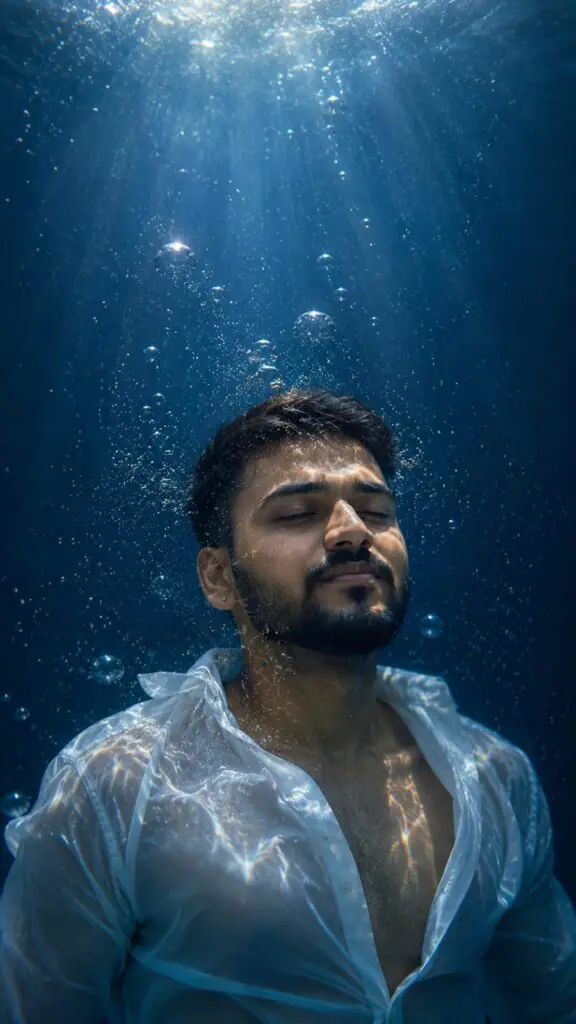
Transform the uploaded portrait into a cinematic underwater portrait while preserving the exact facial identity, facial structure, skin tone, and recognizable features of the person in the source image. The subject is floating peacefully underwater with eyes closed, head tilted slightly upward, surrounded by small air bubbles. Add realistic caustic water-light patterns dancing across the face, neck, and chest. Give the subject thick, slightly wavy similar to the image, floating hair.
Replace the shirt with a partially unbuttoned translucent white shirt drifting naturally in the water. Deep blue aquatic background with subtle depth and atmosphere. realistic photography, dramatic lighting, high contrast, sharp details, photoreal skin texture, cinematic color grading, shallow depth of field, editorial photoshoot, 85mm lens, f/1.8, 8K resolution.
Ratio of the image should be 9:16 and the top part of the image should be clear and subject should be slightly below so that the time icon in a wallpaper would be visible at the upper part of the wallpaper.

Give me a similar prompt but more cinematic
Cinematic underwater photo editing prompts are a great way to create artistic and eye-catching portraits using AI tools. With realistic water lighting, floating fabric, bubbles, and dramatic color grading, these edits can make any photo look professional and cinematic.
Whether you create content for Instagram, YouTube, wallpapers, or personal projects, using detailed prompts can improve the final result and help your edits stand out. You can also customize the lighting, background, clothing, and mood to match your own creative style.
Try the prompt shared in this article and experiment with different ideas to create unique underwater cinematic portraits that look both realistic and visually powerful.