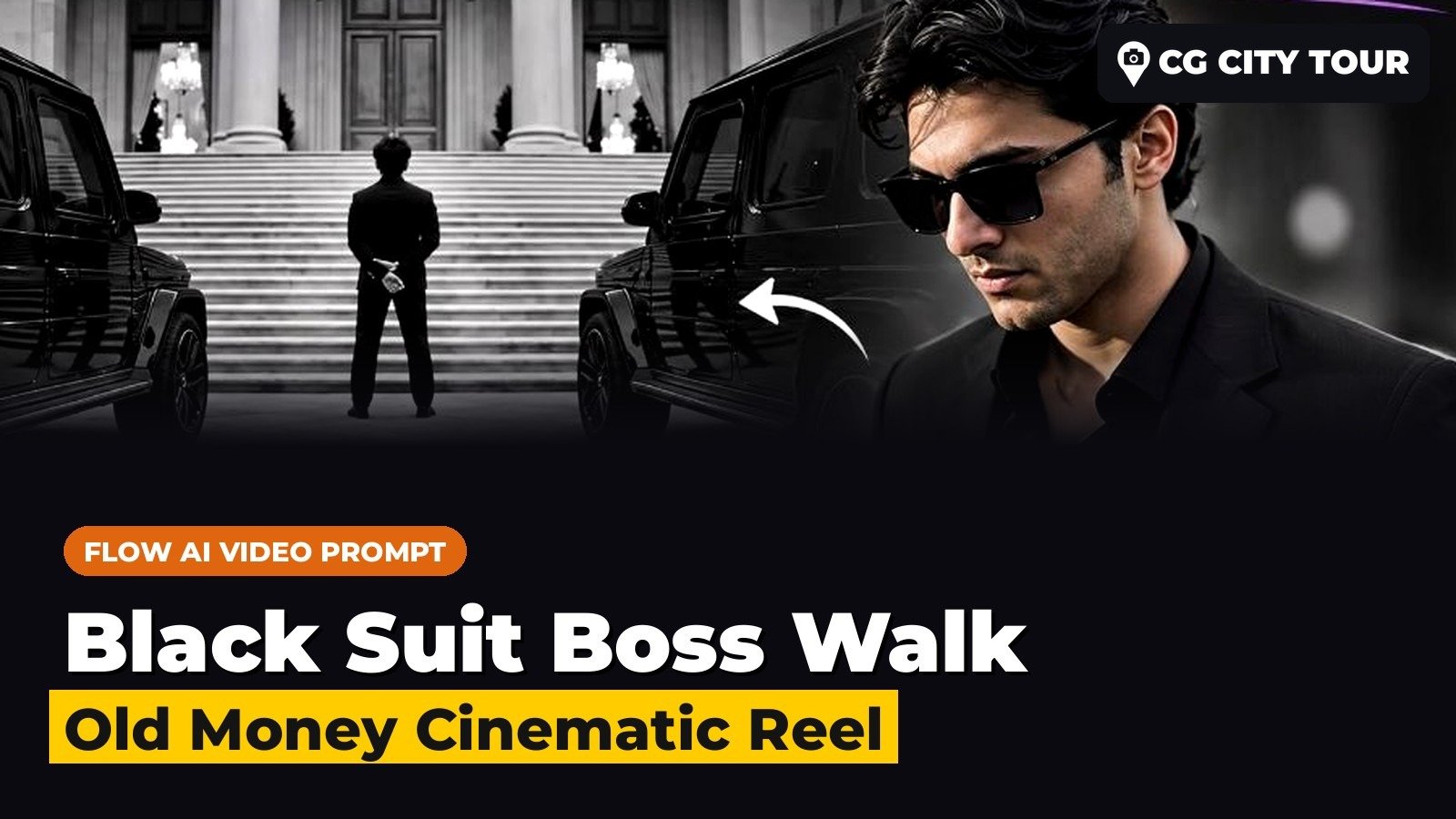
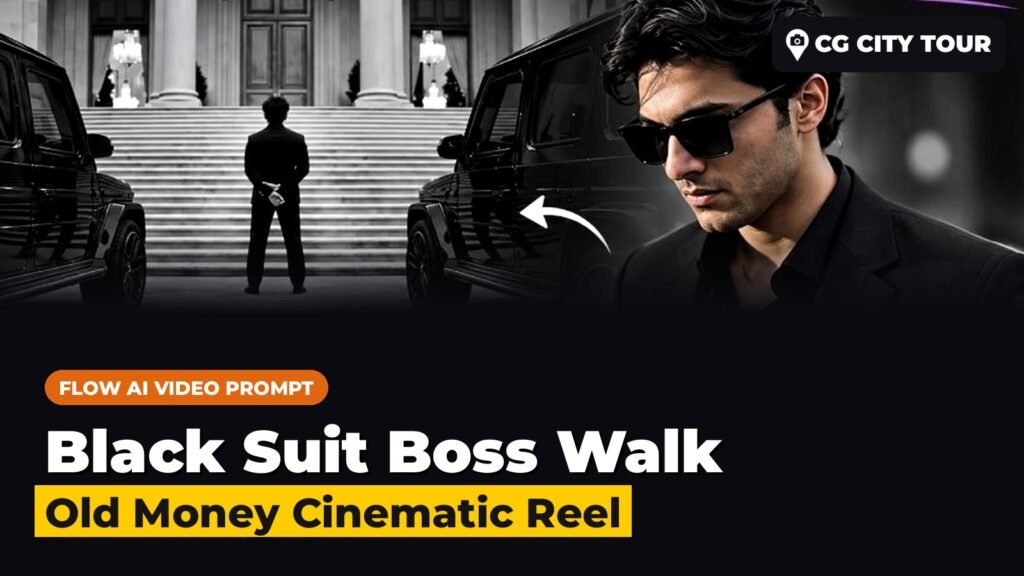
The old money walk is one of those reels that never really goes out of trend. A man in a black suit, slow steps, sunglasses going on, a big house in the back and two dark SUVs waiting. No dancing, no talking, just attitude.
Most prompts for this trend are written for a 14 or 15 second video, which means the free plan cuts it off half way. So I wrote my own version from scratch. It has six shots, runs for exactly 10 seconds and is made straight in 9:16, so you can post it as a reel without any cropping.
Quick Summary
- You need one clear photo of your face. Nothing else.
- The video is 10 seconds, vertical 9:16, with six short shots and no talking.
- It works on the free plan of Google Flow, because Flow makes up to 10 seconds without a subscription.
- You add the music later in VN or CapCut.
The Story of This Reel
Before you copy anything, it helps to know what you are making. The reel tells a very small story in six beats. You step out of a car, walk through a gate, fix your cufflink, put on your sunglasses, walk past a fountain and finally stop at the top of the stairs with two SUVs behind you.
| Time | Shot | Look |
|---|---|---|
| 0 to 1.5 sec | Shoe stepping onto wet cobblestones from a car | Black and white |
| 1.5 to 3 sec | Tall iron gate opening, you walk through | Cold blue morning |
| 3 to 4.5 sec | Close-up of hands fixing a silver cufflink | Soft muted colour |
| 4.5 to 6.5 sec | You put on dark sunglasses and look up | High contrast black and white |
| 6.5 to 8.5 sec | Side tracking shot past a stone fountain | Warm golden light |
| 8.5 to 10 sec | Low angle from the stairs, two black SUVs behind you | Black and white, slow push in |
Black Suit Boss Walk AI Video Prompt
Copy the full prompt below. Do not cut it into parts. The timing of every shot depends on the full text.
Vertical 9:16 cinematic reel, exactly 10 seconds, 24fps, anamorphic film look, gentle grain, slow and powerful mood. The main character is the person from the uploaded photo. Keep his face, skin tone, hairstyle and identity exactly like the photo in every shot. He wears a fitted jet black two-piece suit, a black crew-neck knit top with no tie, a thin silver chain, silver cufflinks and black suede loafers. Six shots joined by quick hard cuts on the beat. No text, no logos, no talking, no extra main characters.

Shot 1 (0-1.5s): Black and white. Very low angle beside the rear door of a black luxury sedan. One black suede loafer steps out onto wet cobblestones, small splash, the door closes behind him.

Shot 2 (1.5-3s): Cold blue morning light. Wide shot from behind as a tall black iron gate swings open in front of him. He walks through without stopping, hands relaxed, long gravel drive ahead lined with trimmed trees.

Shot 3 (3-4.5s): Soft muted colour. Close-up of his hands at chest height adjusting a silver cufflink on his left sleeve while he keeps walking. Shallow depth of field, blurred green hedges behind.

Shot 4 (4.5-6.5s): High contrast black and white. Medium close-up from the front. He slides on dark rectangular sunglasses with one hand, then lifts his chin and looks straight ahead. Light wind in his hair. Calm, serious face.

Shot 5 (6.5-8.5s): Warm golden hour light. Side tracking shot at waist height as he walks past a round stone fountain with water falling, the mansion slowly coming into view in soft focus.

Shot 6 (8.5-10s): Black and white. Low angle from the top step of a wide marble staircase looking down at him as he stops on the last step, hands joined in front, two glossy black SUVs parked behind him on the gravel. Very slow push in. Hold the final frame.

Audio: deep slow cinematic beat with heavy bass, no voice.How This Prompt Is Different
If you have tried other boss walk prompts, you will notice a few changes here. These were done on purpose.
- 10 seconds, not 14. The full story fits in the free limit, so nothing gets cut at the end.
- Vertical from the start. You do not need a blur background or black bars when you post it.
- Hard cuts instead of fades. Hard cuts land better on beat drops in Instagram songs.
- Your face is shown twice. The sunglasses shot and the final stairs shot both show your face, so the reel feels like yours.
Step by Step: Make It in Google Flow
Step 1: Pick the right photo
Use a front facing photo in daylight. No sunglasses, no cap and no beauty filter. The prompt adds sunglasses itself, so if you already wear them in the photo, the AI cannot read your eyes properly.
Step 2: Open Flow and start a project
Tap the Open Google Flow button above, sign in with your Gmail and tap New project.
Step 3: Upload your face
In the prompt box choose Video, then Ingredients, and add your photo from the gallery.
Step 4: Paste and set the options
- Length: 10 seconds
- Aspect ratio: 9:16 portrait
- Outputs: 2, so you can keep the better one
Step 5: Generate and check two shots
Tap Generate. When the videos are ready, look closely at shot 4 and shot 6, because those show your face. Keep the one that looks most like you and download it.
As per Google’s Flow help page, videos without a subscription can be 3 to 10 seconds long, and paid Google AI plans allow up to 15 seconds.
Add Music and Post
- Open VN or CapCut and import the video.
- Mute the original audio if you want a trending song instead.
- Pick a slow attitude or dark cinematic beat.
- Move the song so a beat drop lands at 4.5 seconds, right when the sunglasses go on.
- Export in 1080p and post it as a Reel or Short.
Want ready made edits with music already set? Browse our CapCut templates and VN codes.
Easy Changes You Can Make
| Find in prompt | Change to |
|---|---|
| jet black two-piece suit | charcoal grey three-piece suit |
| black crew-neck knit top | white shirt with a black tie |
| two glossy black SUVs | two white luxury sedans |
| warm golden hour light | blue night light with garden lamps |
Change only one thing per try. That way, if something looks wrong, you know exactly which line caused it.
Common Problems and Fixes
- Face looks different. Try a sharper photo with even light on both sides of the face.
- Shots come in the wrong order. Generate again without editing the prompt. Fast cuts sometimes get mixed.
- Suit colour changes between shots. Make sure you did not delete the outfit line at the top.
- Random text on screen. Keep the “No text, no logos” line as it is.
More AI Video Prompts
- Trending car entry AI video editing prompt for another luxury style reel.
- Stone by stone castle AI video prompt for a calm motivational story.
- Hanuman Ji and Mahadev blessing AI video prompt for a devotional reel.
- All our viral prompts in one place.
FAQ
Is this boss walk prompt free to use?
Yes. The prompt is free, and since the video is 10 seconds long, you can make it on the free plan of Google Flow.
Can I make it in Gemini?
Yes. Attach your photo in the Gemini app, choose the video option and paste the prompt. Video in the Gemini app needs a paid Google AI plan.
Can girls use this prompt?
Yes. Change “He wears a fitted jet black two-piece suit” to “She wears a fitted black pant suit with a silk blouse”, and change he to she in the shot lines.
Why does my video have no song?
AI tools add only a simple background beat. Add your trending song in VN or CapCut before posting.
Final Words
One clear photo, one prompt and ten seconds is all this reel takes. Keep your best output, sync the sunglasses shot with the beat and you have a clean old money reel ready to post. Write “made with AI” in the caption so your followers know how you did it.