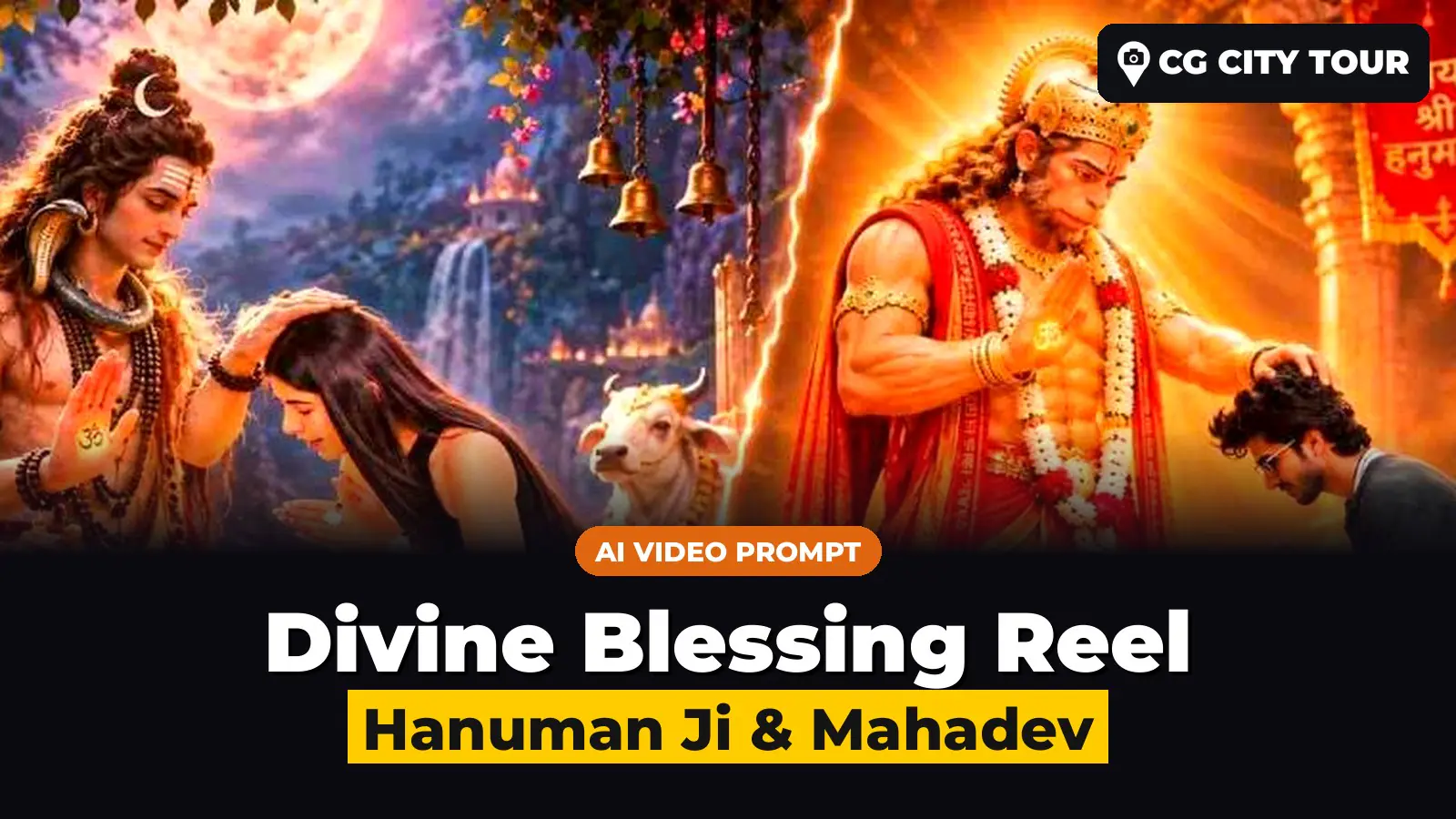
Devotional AI reels are some of the most shared videos every Tuesday and Monday. The idea is simple and beautiful: you bow your head, and Hanuman Ji and Mahadev bless you, one in a glowing temple and one on snowy Kailash.
Many blessing prompts mix this with cars, cash and gym scenes. I wanted a version that stays fully devotional from start to end, so I wrote this prompt from scratch. It starts at a river ghat at sunrise, moves to a Hanuman temple and ends at Kailash under the moon.
Quick Summary
- Works for boys and girls with one clear photo.
- 10 seconds, vertical 9:16, six scenes, fully devotional.
- Your own clothes from the photo stay the same in every scene.
- Made for Google Flow, also works in Gemini on a paid plan.
Scenes in This Blessing Reel
| Time | Scene |
|---|---|
| 0 to 1.5 sec | You at a river ghat at sunrise, folding your hands |
| 1.5 to 3 sec | Temple bells ring, saffron flags move in the wind |
| 3 to 5 sec | Inside a stone Hanuman temple, Hanuman Ji places his hand on your head |
| 5 to 6 sec | Close-up of your face, eyes closed, diya light on your skin |
| 6 to 8.5 sec | Kailash at night, Mahadev with Nandi, blessing you under a full moon |
| 8.5 to 10 sec | Wide shot of you bowing, snow falling softly, trishul glowing |
Hanuman Ji and Mahadev Blessing AI Video Prompt
Vertical 9:16 devotional cinematic reel, exactly 10 seconds, ultra realistic, soft film look, respectful and peaceful mood. The devotee is the person from the uploaded photo. Keep the face, skin tone, hairstyle and the exact clothes and accessories from the photo in every scene. Do not change the outfit. Six scenes joined by soft light flash transitions. No text, no captions, no logos.

Scene 1 (0-1.5s): Sunrise at a stone river ghat with small diyas floating on the water. The devotee stands on the steps facing the river and slowly joins both hands in namaste. Golden light from the left.

Scene 2 (1.5-3s): Close shot of brass temple bells swinging and tall saffron flags moving in the wind against a bright morning sky. Soft focus devotee walking up temple steps in the background.

Scene 3 (3-5s): Inside an old carved stone Hanuman temple lit by many oil lamps. Lord Hanuman, tall and strong, with a golden mukut, saffron dhoti and a gada resting on his shoulder, gently places his right hand on the bowing devotee's head. Marigold petals fall slowly.

Scene 4 (5-6s): Close-up of the devotee's face with eyes closed and a peaceful smile, warm diya light on the skin, a small red tilak on the forehead.

Scene 5 (6-8.5s): Night on snowy Mount Kailash under a giant full moon. Lord Shiva sits in calm meditation on a rock with a crescent moon in his hair, snake around his neck and Nandi resting beside him. He opens his eyes and raises his right hand in blessing over the kneeling devotee. Soft blue and silver light.

Scene 6 (8.5-10s): Wide shot from behind the devotee bowing on the snow in front of Lord Shiva, light snowfall, a softly glowing trishul standing in the snow, slow camera pull back. Hold the final frame.

Style: 35mm lens, smooth camera moves, gentle glow, natural skin, respectful depiction of deities, 4K quality.How to Make This Reel
Step 1: Choose a respectful photo
A photo in traditional wear like a kurta, saree or salwar suit looks best here, because your clothes stay the same in all scenes. Make sure your face is clear and well lit.
Step 2: Upload and paste
Open Google Flow, start a new project, choose Video and Ingredients, upload your photo and paste the prompt.
Step 3: Set length and ratio
Choose 10 seconds and 9:16. Ask for 2 outputs so you can pick the better one.
Step 4: Check and download
Watch scene 3 and scene 5 carefully. Hanuman Ji and Mahadev should look calm and respectful, and your face should stay the same. Download the version you like.
Step 5: Add a bhajan
Open VN or CapCut and add a short bhajan or a slow devotional beat. Put the beat change at 6 seconds, where the reel moves from the temple to Kailash.
Make It for Different Days
| Occasion | Small change to the prompt |
|---|---|
| Hanuman Jayanti | Add “the temple decorated with flowers and orange sindoor” in scene 3 |
| Mahashivratri | Add “a glowing shivling with milk abhishek” in scene 5 |
| Sawan Monday | Replace the snow in scene 6 with “light rain and green mountains” |
| Only Hanuman Ji | Delete scenes 5 and 6 and set the length to 6 seconds |
Tips and Respectful Use
- Keep it devotional. Avoid adding funny or party scenes to a prayer reel. Many viewers find that disrespectful.
- Deity looks off? Generate again. Do not edit the deity description, it is written to keep the traditional look.
- Clothes change between scenes? Use a photo where your full outfit is clearly visible.
- Caption idea: “Jai Shree Ram, Har Har Mahadev” or simply “Blessed”.
More Devotional Prompts
- Mahadev AI photo editing prompts for boys, girls and couple
- 3D photo with Hanuman Ji AI image editing prompts
- Stone by stone castle AI video prompt for a motivational reel
- All our festival prompts
FAQ
Is this Hanuman Ji and Mahadev prompt free?
Yes. The prompt is free and the 10 second length fits the free plan in Google Flow.
Can girls use this prompt?
Yes. The prompt uses the word devotee, so it works with any photo. Your own clothes from the photo are kept.
Can I make it with my family photo?
It works best with one person. With a group photo, faces often mix up. Make one video for each person instead.
Why are there no words like Jai Shree Ram in the video?
AI tools often spell Hindi text wrong, so the prompt avoids text. Add the words later in VN or CapCut with a clean font.
Final Words
This reel is simple, calm and full of bhakti. Pick a clear photo, paste the prompt, add a bhajan and share it with your family on Tuesday or Monday. Jai Shree Ram, Har Har Mahadev.