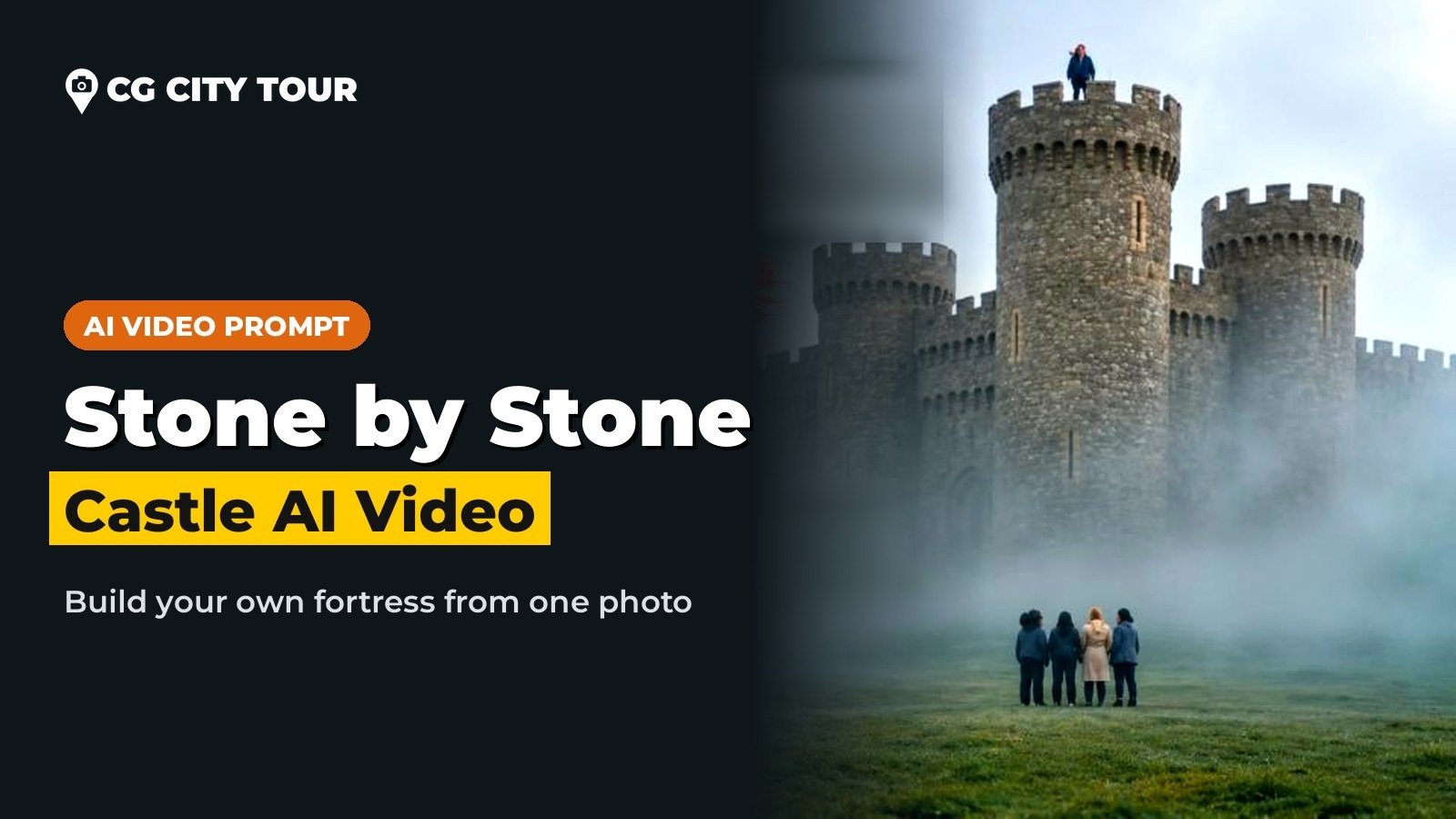
There is an old line people love to share: use the stones others throw at you to build something of your own. The castle AI video trend turns that line into a short reel. People throw small stones at you, you quietly collect them, and by the end you are standing on top of a fortress while they look up from the ground.
Most versions of this trend need you to upload the original video as a reference, which is a problem if you cannot find a clean copy or do not have the right to use it. So I wrote a prompt that does not need any reference video. You only need one photo of yourself.
Quick Summary
- One clear photo is enough. No reference video needed.
- The story runs in 10 seconds across 8 short shots.
- The mood is calm and motivational, not angry.
- It works on the free plan of Google Flow.
What Happens in the Video
| Time | What you see |
|---|---|
| 0 to 1.5 sec | You stand in a foggy field, small stones land on the grass near your feet |
| 1.5 to 2.5 sec | A group of people far behind you, still throwing |
| 2.5 to 4 sec | You bend down and calmly pick up the stones |
| 4 to 5 sec | You place the first stones in a straight line |
| 5 to 6.5 sec | Time lapse of a wall rising around you |
| 6.5 to 8 sec | Towers and a gate appear, the fort grows tall |
| 8 to 9 sec | Wide shot, you on the highest tower, people tiny below |
| 9 to 10 sec | Close-up of your face, calm small smile, sunrise light |
Stone by Stone Castle AI Video Prompt
Upload your photo first, then paste the prompt below as it is.
Vertical 9:16 cinematic short film, exactly 10 seconds, realistic, soft grey morning fog turning into warm sunrise by the end. The main character is the person from the uploaded photo. Keep the face, hairstyle, skin tone and clothes exactly as in the photo in every shot. Same outfit from start to end. Eight shots joined by smooth quick cuts. No text, no captions, no logos, no talking.

Shot 1 (0-1.5s): Side medium close-up in a wide misty green field. The character stands still with eyes closed and a calm face. A few small grey stones drop softly onto the grass near their feet.

Shot 2 (1.5-2.5s): Wide shot from behind the character. Far away, a small group of five people stand in a line, some throwing small stones. The fog makes them look faded.

Shot 3 (2.5-4s): Low angle near the grass. The character kneels and slowly picks up the stones one by one, without looking at the group. Patient and peaceful.

Shot 4 (4-5s): Top down close-up of the character's hands placing stones in a neat straight line on the grass, like the start of a path.

Shot 5 (5-6.5s): Smooth time lapse from a fixed angle. A dry stone wall rises around the character, layer by layer, the character still placing stones calmly.

Shot 6 (6.5-8s): The camera rises slowly as round towers, a wooden gate and high walls form one after another. The structure becomes a full grey stone fortress above the fog.

Shot 7 (8-9s): Very wide drone shot. The character stands small on the tallest tower. The group of five stands far below on the grass, looking up. First sunrise light touches the top of the tower.

Shot 8 (9-10s): Low angle close-up of the character's face on the tower, looking down into the camera with a soft proud smile, warm sunrise glow on the face. Hold the last frame.

Avoid: changing the face, changing the outfit, extra main characters, broken hands, melting stones, flicker, any written text.Why This Prompt Works Without a Reference Video
When you give an AI tool a reference video, it copies the movement and you only swap the face. Without a reference, the tool has to understand the story from words alone. That is why every shot in this prompt has one clear action and one clear camera angle.
- Short shot lines. One action per line leaves less room for the AI to guess.
- Fixed group size. Saying “five people” stops the crowd from growing or shrinking between shots.
- Time lapse word. It tells the tool the building happens fast, so the whole fortress fits in 3 seconds.
- Sunrise ending. The light change from grey to warm makes the ending feel like a win.
How to Make It, Step by Step
- Choose a full body or half body photo of yourself in clear daylight. Your clothes should be visible because they stay the same in the video.
- Open Google Flow, sign in and tap New project.
- Choose Video, then Ingredients, and upload your photo.
- Paste the prompt. Set length to 10 seconds and the ratio to 9:16.
- Generate 2 outputs. Check shot 3 and shot 8, where your face is closest to the camera.
- Download the better one and add a soft piano or motivational track in VN or CapCut.
Tips for a Better Result
- Simple clothes work best. A plain jacket or kurta stays the same across shots much better than a printed shirt.
- Keep the same photo for every retry. If you change the photo and the prompt together, you cannot tell what fixed the problem.
- Expect some odd stones. Small objects in hands are hard for AI. If the stones melt or float, just generate again.
- Use a caption that fits. Something like “They threw stones, I built a fort” goes well with this reel.
Different Versions to Try
| Version | What to change in the prompt |
|---|---|
| Desert fort | Replace “misty green field” with “golden desert sand” and “grey stone fortress” with “sandstone Rajasthani fort” |
| Night ending | Replace “sunrise” with “full moon night with torches on the walls” |
| Snow castle | Replace “misty green field” with “snowy mountain slope” and add “light snowfall” |
More Prompts You Will Like
- Black suit boss walk AI video prompt for an old money style reel.
- Hanuman Ji and Mahadev blessing AI video prompt for a devotional reel.
- Trending cinematic travel photo editing prompts to make a matching reel cover.
- All our viral prompts.
FAQ
Do I need the original trend video?
No. This prompt was written to work with only your photo. The story is fully described in the shot lines.
Will it look exactly like the viral reel?
It will tell the same kind of story, but the castle, crowd and camera moves will be your own version. Every generation is a little different.
Can I use a friend’s photo?
Only if your friend agrees. Never use a stranger’s photo or a photo of a famous person.
Why is my video only 8 seconds?
Check the length setting in Flow. It must be set to 10 seconds, otherwise the last shots get cut.
Final Words
This is one of the few AI trends with a real message behind it. Take one good photo, paste the prompt and let the fortress rise. Post it on a day you need a reminder that slow and steady still wins.